
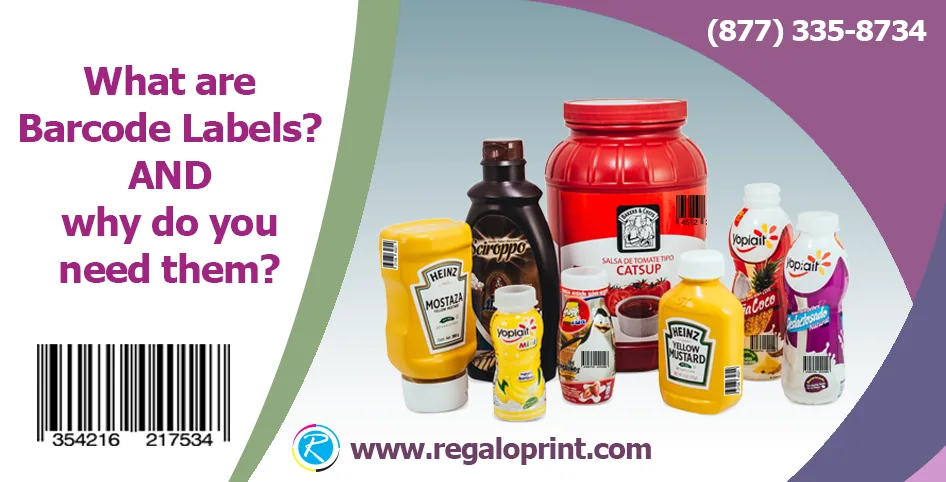
A barcode label doesn't have to look good. It has to scan. The same way, on the first try, in a warehouse, at a checkout counter, or on the back of a delivery truck, for as long as that product stays in circulation. That single, narrow requirement is what should drive almost every decision about how our barcode labels get printed, not brand aesthetics.
What a Barcode Is Actually Encoding
A barcode is just a machine-readable version of a number or short string of data, and which system makes sense depends entirely on what that data needs to do. A UPC (Universal Product Code) is the standardized retail format seen at nearly every point-of-sale checkout. It's assigned through GS1, follows a fixed structure, and exists specifically so any retailer's scanner can identify the product without any special setup on their end. A custom SKU or internal code system works differently: it doesn't need external registration, and it can encode whatever a business actually needs to track internally (bin location, lot number, batch date, internal category) none of which a retail UPC is built to carry.
The visual bars themselves are simply a translation layer. Underneath the pattern, a barcode format like Code 128 or UPC-A encodes each character as a specific sequence of bar and space widths, following a fixed standard the scanner's software already knows how to decode. That's the entire reason barcodes work as fast as they do at checkout. The scanner isn't interpreting an image the way a person reads text, it's measuring precise widths against a known pattern, which is also exactly why print quality and contrast matter so much to a barcode in a way they don't for ordinary text.

UPC vs. Custom SKU: Choosing the Right System
The decision usually comes down to where the product lives. Anything sold at retail through a third-party point-of-sale system needs a standard UPC, because that's the format the retailer's checkout infrastructure is built to read. There's no negotiating around it if the goal is shelf placement in someone else's store. A custom SKU system, on the other hand, is the right call for internal inventory and warehouse operations, where the business controls both the labels and the scanners reading them, and where the code can be built around operational needs like tracking a pallet's origin or a product's exact bin location rather than just its identity.
Why Durability Is the Real Spec
A barcode label that looks perfect on day one and fades by week three has failed, even if nothing about the design was wrong. Labels destined for repeated handling need scuff-resistant coatings so the black bars don't wear thin from friction against boxes, shelving, or other product. Labels exposed to refrigeration or freezer conditions need adhesive and stock rated for moisture and condensation, since a standard label can peel or wrinkle under those cycles. And there's a real difference between direct thermal printing, which produces the label through heat directly on chemically treated stock and fades over time with heat and light exposure, and thermal transfer printing, which uses a ribbon to apply more durable ink and holds up far better for labels that need to stay scannable for months or years rather than days, the same durability question that shapes our shipping labels.

Placement and Scan Reliability
A barcode that's technically printed correctly can still fail to scan for entirely physical reasons. Every barcode format needs a clear "quiet zone" of blank space on either side of the bars. Crowd that margin with other print or artwork, and a scanner can misread or reject it entirely. High-gloss laminate can also work against scanning under certain lighting by creating glare that a scanner's sensor struggles to read through. And a barcode wrapped around a curved surface, like a bottle or a tube, needs to be sized and oriented so the bars don't distort as they follow the curve. A barcode that reads correctly when flat can fail once it's applied to a rounded container.
Print resolution factors in too, in a way that's easy to overlook when a label is otherwise ordered for its appearance. A barcode printed at low resolution can produce bars with slightly ragged or uneven edges that are invisible to the eye but confuse a scanner reading precise bar widths, since the code's entire logic depends on the relative width of each bar and space. This is one of the reasons dedicated barcode and label printers, rather than general commercial print equipment, tend to produce more reliably scannable codes at high volume. The resolution and consistency requirements for a barcode are stricter than for text or imagery that a human eye is simply going to glance at.
What This Buys You Operationally
The payoff for getting all of this right isn't visual. It's operational. A reliable barcode system means faster receiving at a warehouse dock, fewer manual entry errors from staff keying in product numbers by hand, more accurate stock counts during inventory cycles, and a straightforward way to keep point-of-sale and inventory software in sync with what's actually on the shelf. None of that shows up on the label itself, but it's the entire reason the label exists.
1D Barcodes vs. 2D Codes: Choosing the Right Format
Not every scannable code is the familiar pattern of vertical bars. That format, technically called a 1D or linear barcode, is what most UPC and shipping labels use, and it's built for exactly one thing: encoding a short number quickly and reliably with a laser or camera scanner. 2D codes like QR codes and Data Matrix pack far more data into a smaller footprint, since they encode information both horizontally and vertically rather than in a single line, and they can be read by a standard camera rather than requiring a dedicated laser scanner. That makes them a better fit for asset tracking where more data needs to travel with a single label, small components where a linear barcode wouldn't physically fit, or any application where a smartphone camera is the scanning tool rather than dedicated warehouse hardware. Retail point-of-sale still runs overwhelmingly on 1D UPC codes, so the format choice usually comes down to whether the code needs to work with existing retail infrastructure or with a more flexible internal system.
Working With a Printer on a Barcode Order
A barcode is only as good as its verification. Reputable label printers check finished barcodes against ISO grading standards before a job ships, confirming that bar widths, contrast, and quiet zones fall within tolerances a scanner can actually read reliably rather than just checking that the code looks correct to the eye. For a UPC specifically, that means working from the exact number data assigned through GS1 rather than approximating it, since even a single-digit error makes the code unusable at retail. A proof (checked with an actual barcode scanner, not just viewed on screen) before a full run commits is the cheapest insurance available against a pallet of labels that print perfectly and still fail at the register.
The Bottom Line
A barcode label earns its keep by being boring in the best sense. Legible, durable, and correctly formatted for whatever system is reading it. Get the code type, the print method, and the placement right, and the label disappears into the background of daily operations, which is exactly where it belongs.


